
February 11, 2026
Learn How to Set a Weekly Purchasing Budget That Actually Works
Many restaurants set a monthly food budget and hope purchasing stays aligned. The problem? Orders are placed weekly — sometimes daily — and without clear weekly targets, managers are forced to make fast decisions without guardrails.
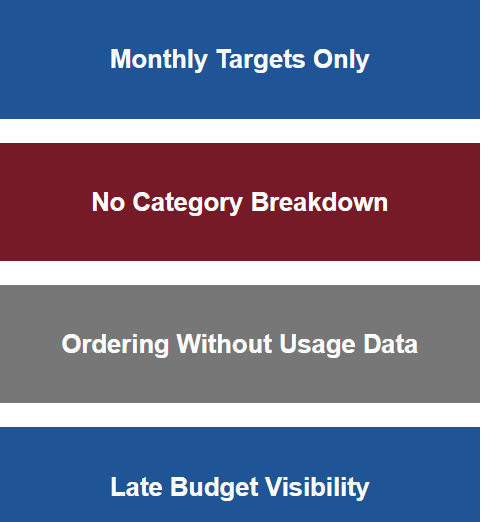
When a weekly purchasing budget isn’t clearly defined:
- Spending fluctuates unpredictably
- Food cost percentages drift
- Emergency orders increase
- Managers lose confidence in targets
- Variance is discovered too late
A monthly number is not enough. Operators need a structured weekly purchasing framework that reflects real usage, seasonality, and demand.
What a Strong Weekly Purchasing Budget Includes
A weekly budget should be built using data — not last month’s guess.
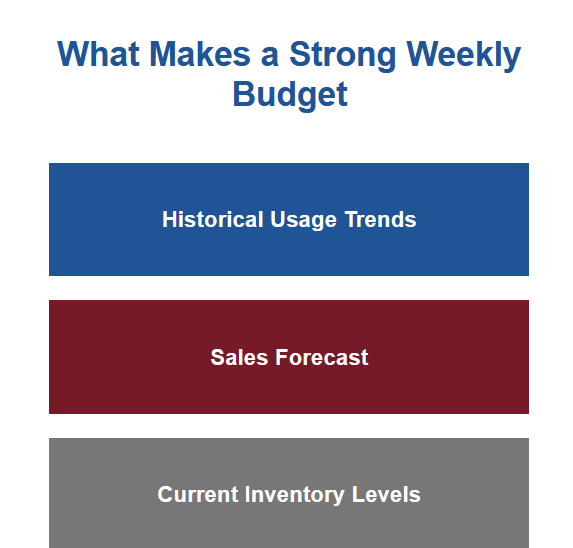
Here are the three core inputs:
1. Historical Usage Trends
Review weekly consumption for the past 4–8 weeks by category.
2. Sales Forecast
Project expected sales for the upcoming week, adjusting for events, promotions, and seasonality.
3. Current Inventory Levels
Accurate on-hand counts ensure you don’t budget for items already in stock.
When these inputs are aligned, the weekly purchasing budget becomes realistic and actionable.
Breaking the Weekly Budget into Categories
Instead of one lump sum, divide your weekly budget into structured categories:
- Proteins
- Produce
- Dairy
- Dry goods
- Bar & beverage
- Disposables
This creates visibility and accountability. Managers know exactly how much can be spent in each category before placing orders.
Category breakdowns prevent overspending in one area from being hidden by savings in another.
How to Use the Weekly Budget During Ordering
Setting the budget is only the first step. The real impact happens when it’s applied during purchasing.
Before submitting an order, managers should:
- Compare projected order total to category limits
- Review usage trends to validate quantities
- Check vendor pricing for shifts
- Confirm inventory counts
- Account for upcoming events
This structured review transforms ordering from reactive to intentional.
How NxtEdge Makes Weekly Budgeting Practical
Weekly budgeting often fails because it lives in spreadsheets separate from purchasing.
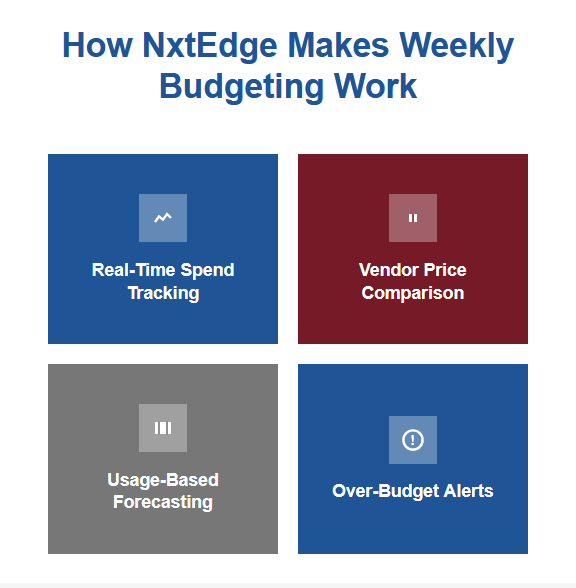
NxtEdge connects budgeting directly to ordering workflows by:
- Tracking spend per category in real time
- Showing remaining weekly budget as orders are built
- Comparing vendor pricing before submission
- Integrating usage data into forecasting
- Alerting managers when category limits are exceeded
Instead of reviewing spend after the fact, teams see budget impact before committing to purchases.
Key Takeaways
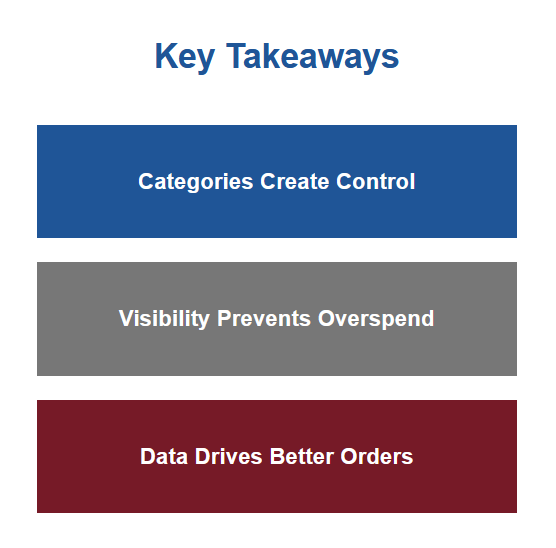
A monthly budget is not enough — operators need weekly control.
Budgets should be based on usage trends, sales forecasts, and real inventory levels.
Breaking budgets into categories improves accountability and clarity.
NxtEdge turns weekly budgets into active purchasing tools instead of static spreadsheets.
Build a weekly purchasing system that protects margins. Request your demo at NxtEdge.com.