


How Inventory Control Works in NxtEdge
NxtEdge helps operators manage inventory from receiving products to analyzing food cost. Create shelf-to-sheet count sheets, count from any device, track inventory across multiple locations and gain real-time visibility into inventory value, usage and cost of goods sold.
Whether counts are performed daily, weekly or monthly, NxtEdge transforms inventory data into actionable operational insight.
- Mobile Inventory Counting
- Shelf-to-Sheet Count Sheets
- Real-Time Inventory Valuation
- Cost of Goods Sold Reporting
- Multi-Location Inventory Visibility
How to Configure Count Sheets
Create custom count sheets organized by storage, shelf and category. Build shelf-to-sheet counting paths, configure multiple storages and include inventory items, batch recipes and prepared products.
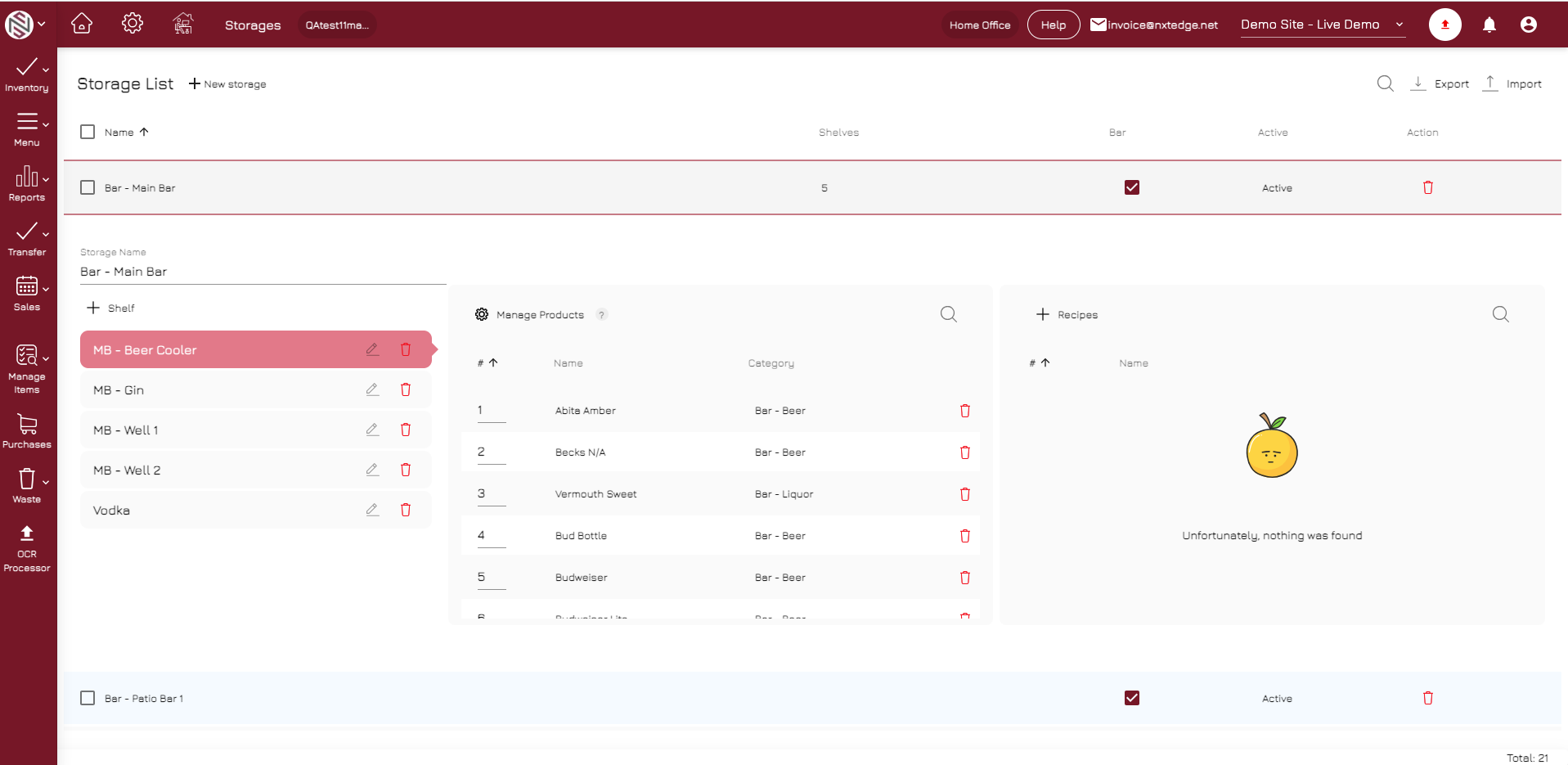
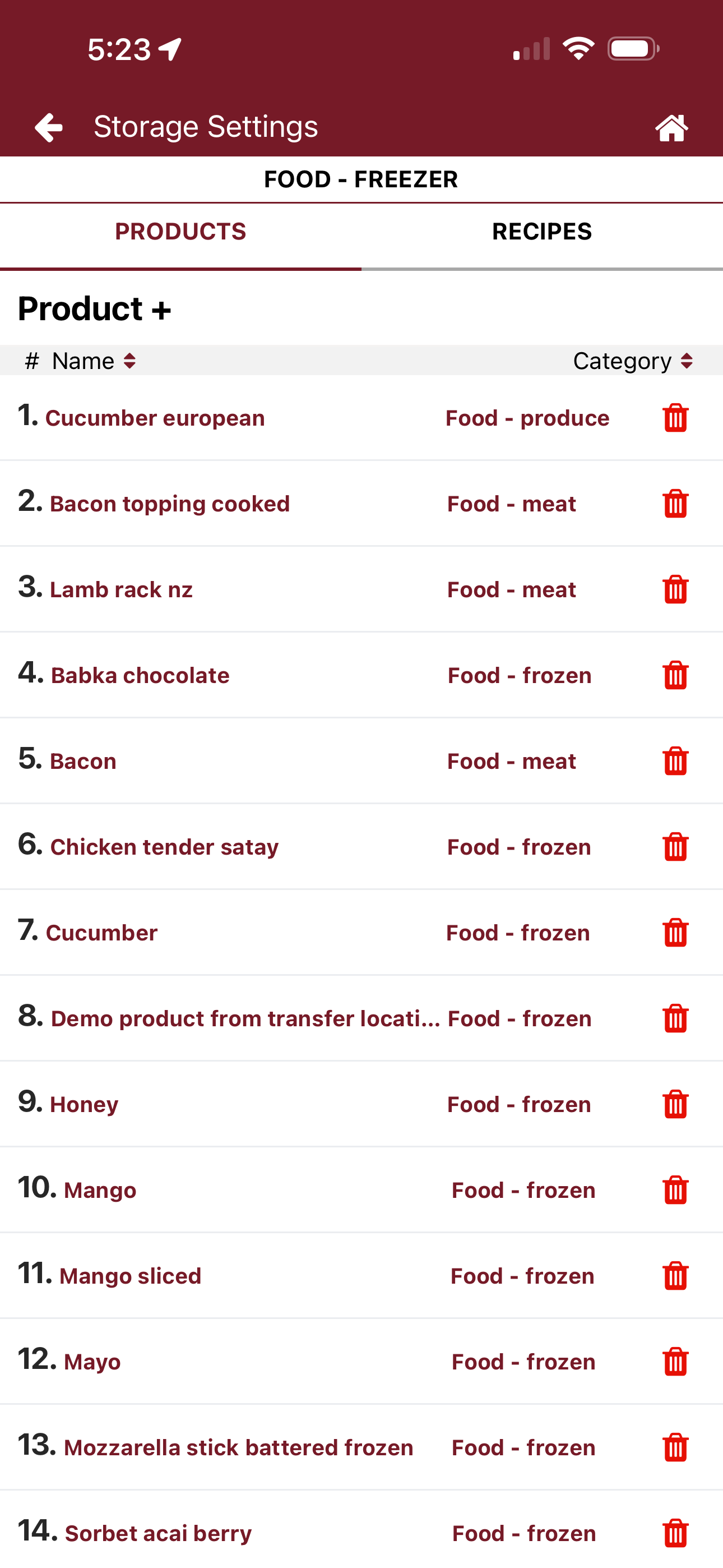
Multiple Storages
Separate inventory by kitchen, bar, warehouse, commissary or any storage location.
Shelf-to-Sheet Organization
Count in the same order inventory appears on the shelf for faster, more accurate counts.
Batch Recipe Counting
Include prep recipes, sauces and prepared products in your inventory process.
Mobile or Desktop Setup
Configure inventory from anywhere using your computer, tablet or mobile device.
How to Count Inventory
Complete counts from any device, anywhere in the operation. Multiple users can count simultaneously while NxtEdge automatically consolidates results into a single inventory review. Continue counting online or offline.
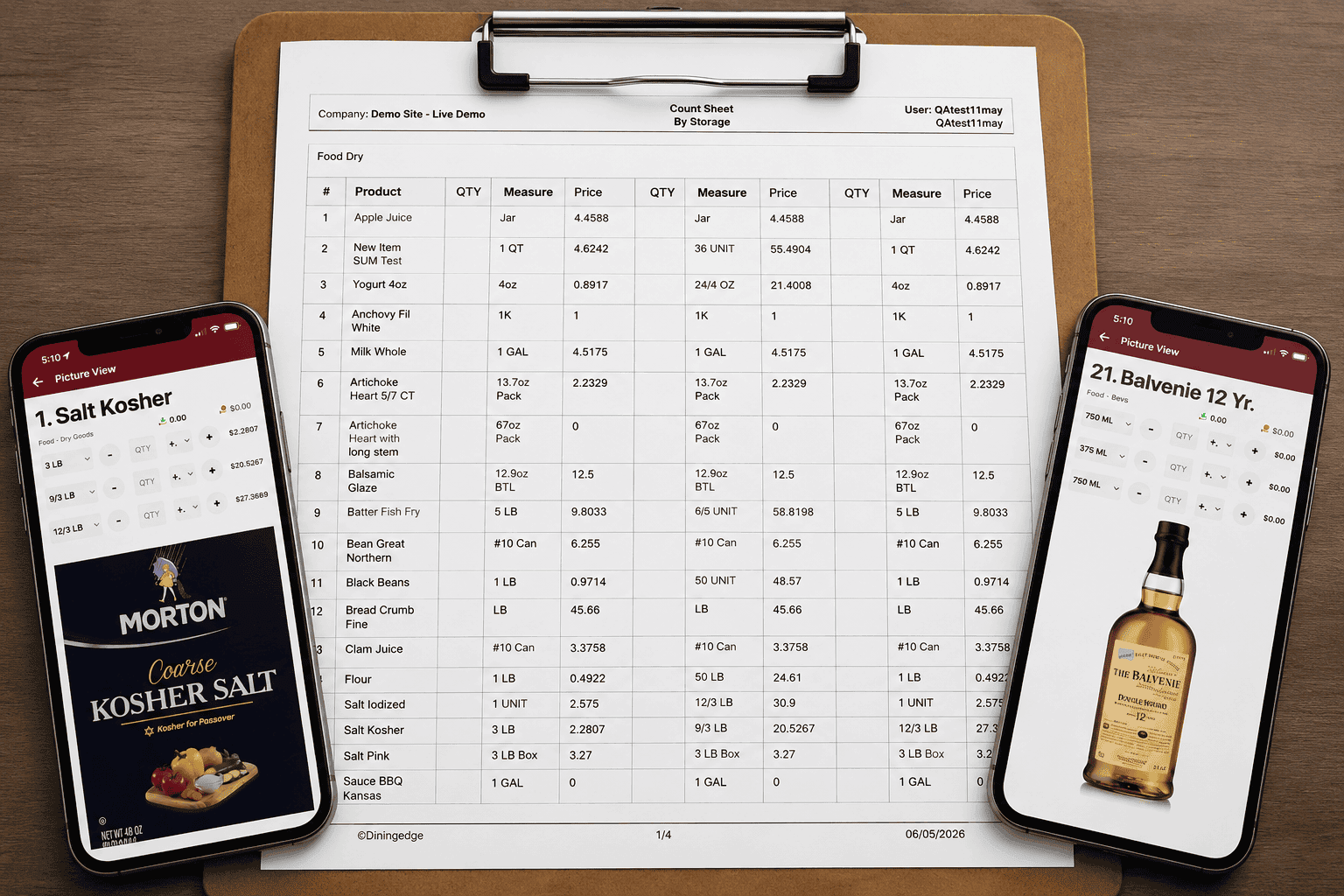
Mobile Counting
Count inventory directly from your phone or tablet with a mobile experience designed for hospitality operations. Move through storages and shelves quickly while counts update in real time.
Offline Counting
No internet connection? No problem. Continue counting in walk-ins, warehouses and remote storage areas, then automatically sync results when you're back online.
Multiple Counters
Speed up inventory by allowing multiple team members to count simultaneously. NxtEdge automatically consolidates all counts into a single inventory review.
Picture View
Verify products visually during counts with item images and product details. Reduce counting errors and help new team members identify products faster.
Printed Count Sheets
Prefer pen and paper? Generate shelf-to-sheet count sheets organized by storage and category, then enter or review counts in NxtEdge when finished.
How to Review, Reconcile and Report
Review variances, investigate exceptions and generate live food cost, usage, COGS and variance reporting. Connect POS integrations, recipe depletion and waste tracking to identify operational issues before they impact your bottom line.
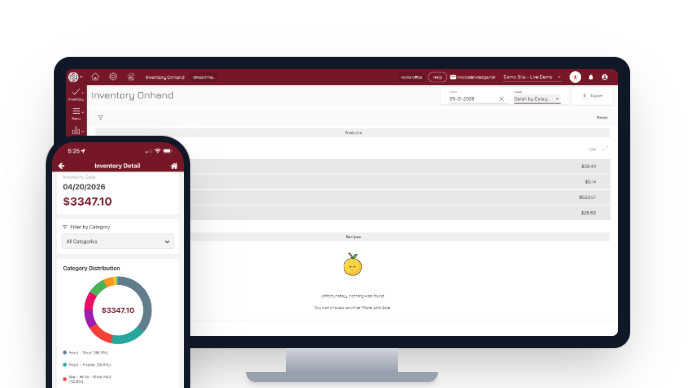
Variance Reporting
Identify inventory discrepancies before they impact profitability. Compare actual usage against expected usage and quickly investigate problem areas by product, category or location.
Live Food Cost
Monitor food cost percentage in real time instead of waiting for month-end reports. See how purchasing, inventory and sales activity impact profitability every day.
COGS Reporting
Generate accurate cost of goods sold reporting using inventory counts, purchases and usage data. Track performance across locations, categories and reporting periods.
Recipe Depletion
Connect POS sales to recipes and automatically calculate theoretical ingredient usage. Compare actual inventory consumption against expected depletion to uncover operational issues.
Usage Analysis
Understand where inventory is being consumed across your operation. Analyze usage trends, identify unusual activity and make more informed purchasing decisions.
Inventory Control Is Just the Beginning
- Vendor Price Comparison
- Invoice Automation
- Recipe Depletion & Costing
- Theoretical Food Cost
- Transfers & Requisitions
- Commissary Ordering
- Waste Management
- POS Integration
- Reporting & Visibility
Ready to Automate Your Inventory Control Process?
See how operators count, review and report on inventory in one connected workflow — and take control of food cost.
Schedule a Demo