


Invoice Automation
How Invoice Automation Works in NxtEdge
NxtEdge captures invoices through email, EDI integrations, fintech connections, mobile scanning and manual upload. Every invoice is processed using AI, OCR technology and human validation to extract the information that matters and automatically update inventory, approvals, bill pay and accounting workflows.
Whether you're processing food and beverage invoices, operating expenses, maintenance purchases or corporate expenses, NxtEdge eliminates manual data entry and creates a single source of truth for invoice processing.
- OCR Invoice Processing
- EDI & Fintech Integrations
- Pack, Size & Catch Weight Capture
- Inventory, AP & Accounting Ready
Step 01
Receive Invoices
NxtEdge gives operators multiple ways to receive invoices. Whether invoices arrive electronically from vendors, are forwarded through email, uploaded manually or scanned from a mobile device, every invoice enters the same automation workflow.
Every invoice enters the same automation workflow.
EDI Integrations
Supported vendors transmit invoices electronically, imported automatically into NxtEdge.
Fintech Integrations
Beverage and liquor invoices flow in through supported fintech providers.
Email Forwarding
Vendors email invoices directly into NxtEdge for processing.
Mobile App Scanning
Scan invoices on the go from any mobile device.
Manual Upload
Upload invoices directly into NxtEdge whenever needed.
Step 02
Read Every Line Item
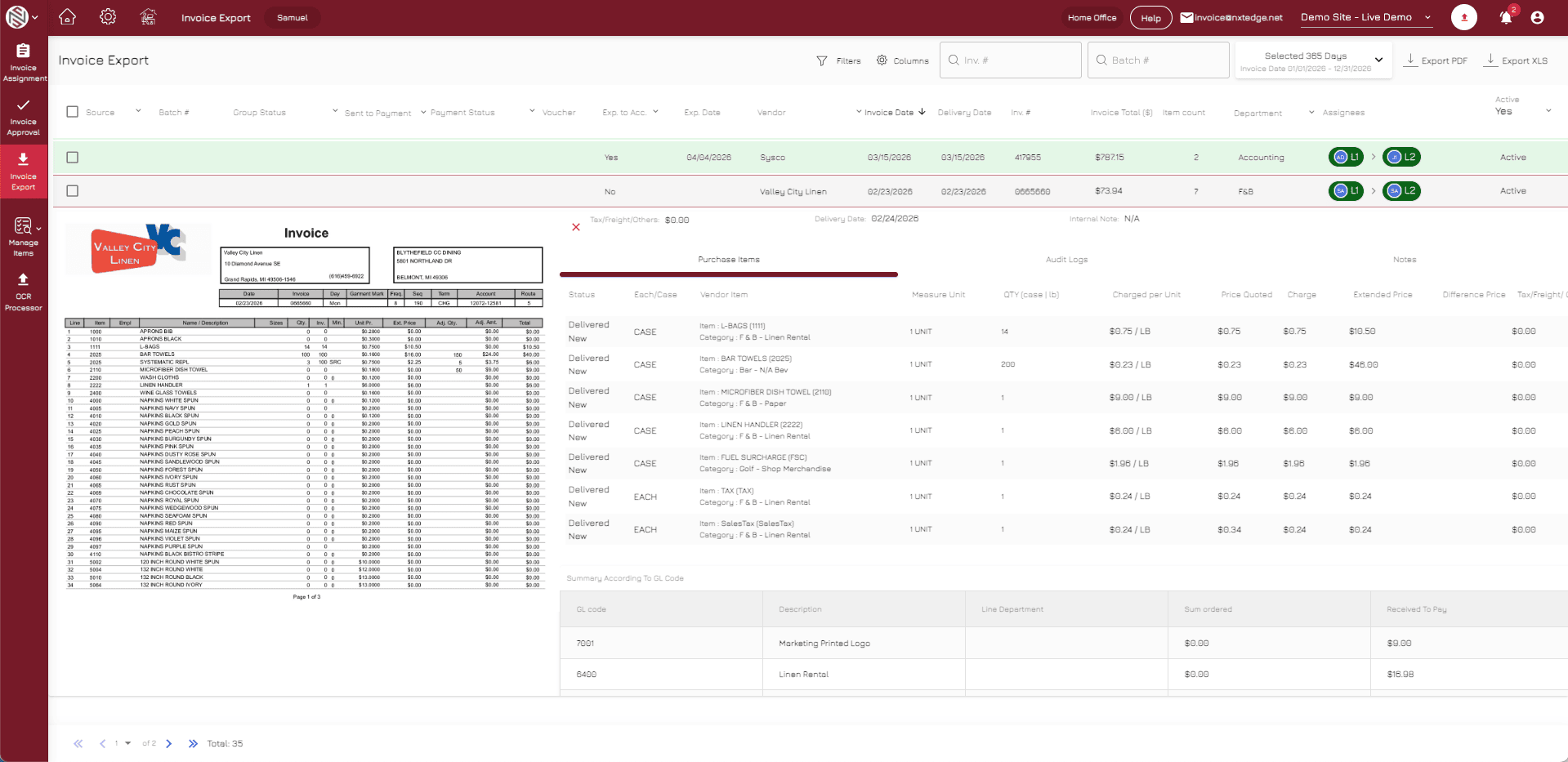
Once received, NxtEdge reads and validates invoice information at the line-item level. Unlike systems that only capture totals, NxtEdge captures the details needed for purchasing, inventory and accounting workflows.
Capture line-item detail, not just invoice totals.
Product Description
Capture the full product description on every invoice line.
Pack & Size Capture
Record pack and size detail for accurate costing.
Catch Weight Processing
Handle catch-weight items with precise quantities and cost.
Quantity Validation
Validate quantities against expected order detail.
Unit Cost Recognition
Capture unit costs to drive pricing and inventory.
Step 03
Apply Coding & Business Rules
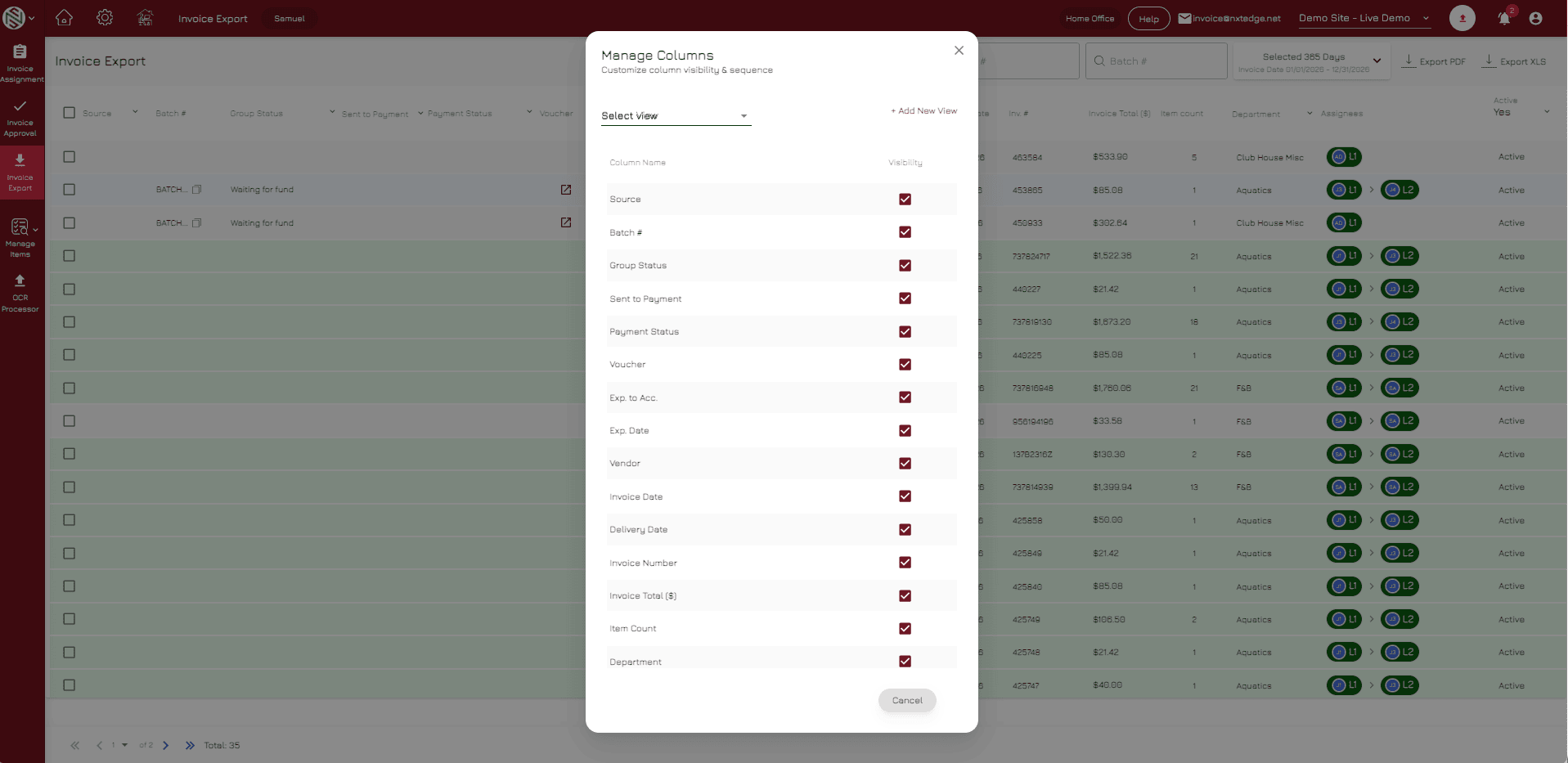
After invoice data is captured, NxtEdge automatically applies coding, inventory and workflow rules based on how your operation is configured. Different vendors can be processed differently depending on operational requirements.
Coding adapts to how your operation runs.
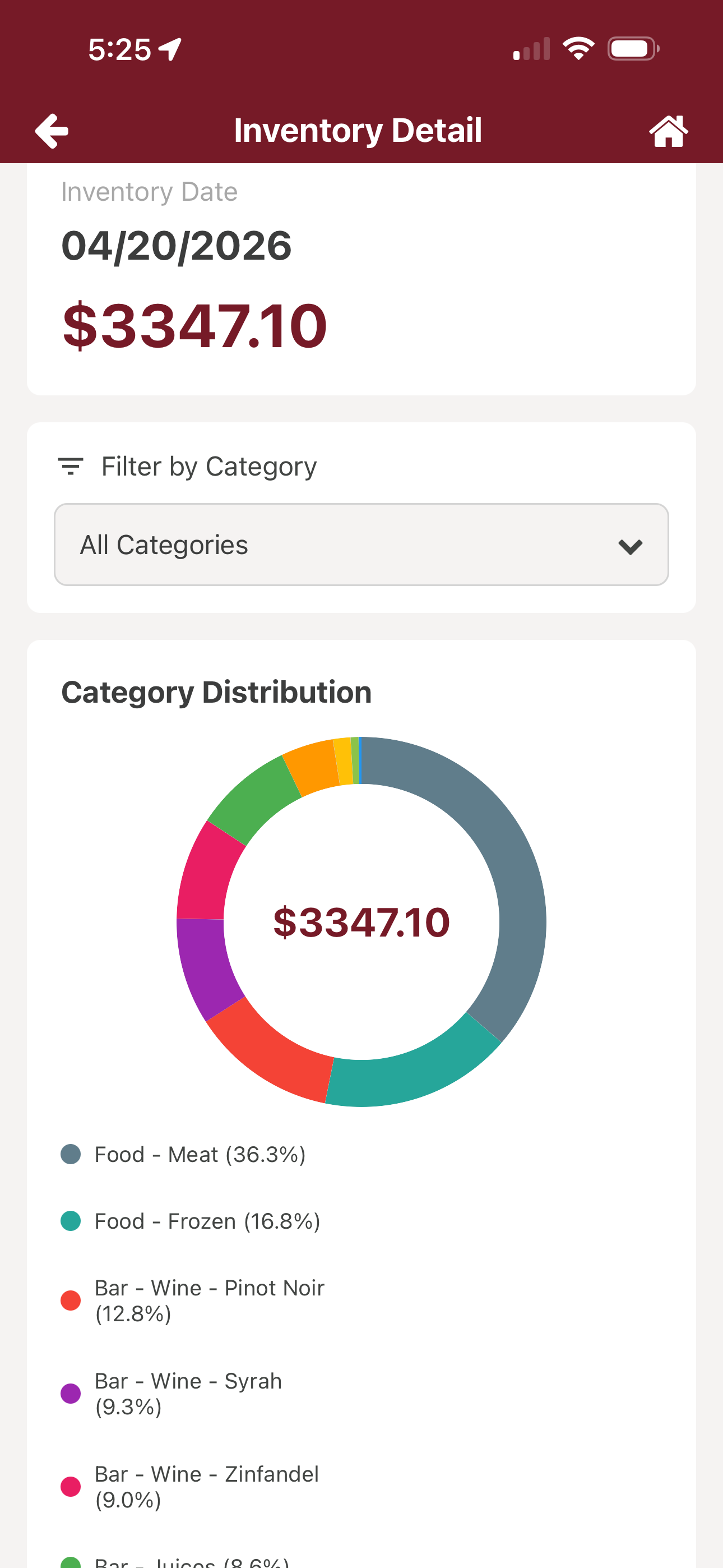
Inventory Vendors
Match inventory products to items, updating cost and purchase history.
Category-Based Coding
Assign line items to categories based on prior activity.
Invoice Total Coding
Code non-inventory invoices at the total level.
Automatic GL Assignment
Apply GL codes automatically from your configuration.
Approval Workflow Routing
Route invoices into the correct approval chain.
Step 04
Update Inventory, AP & Accounting
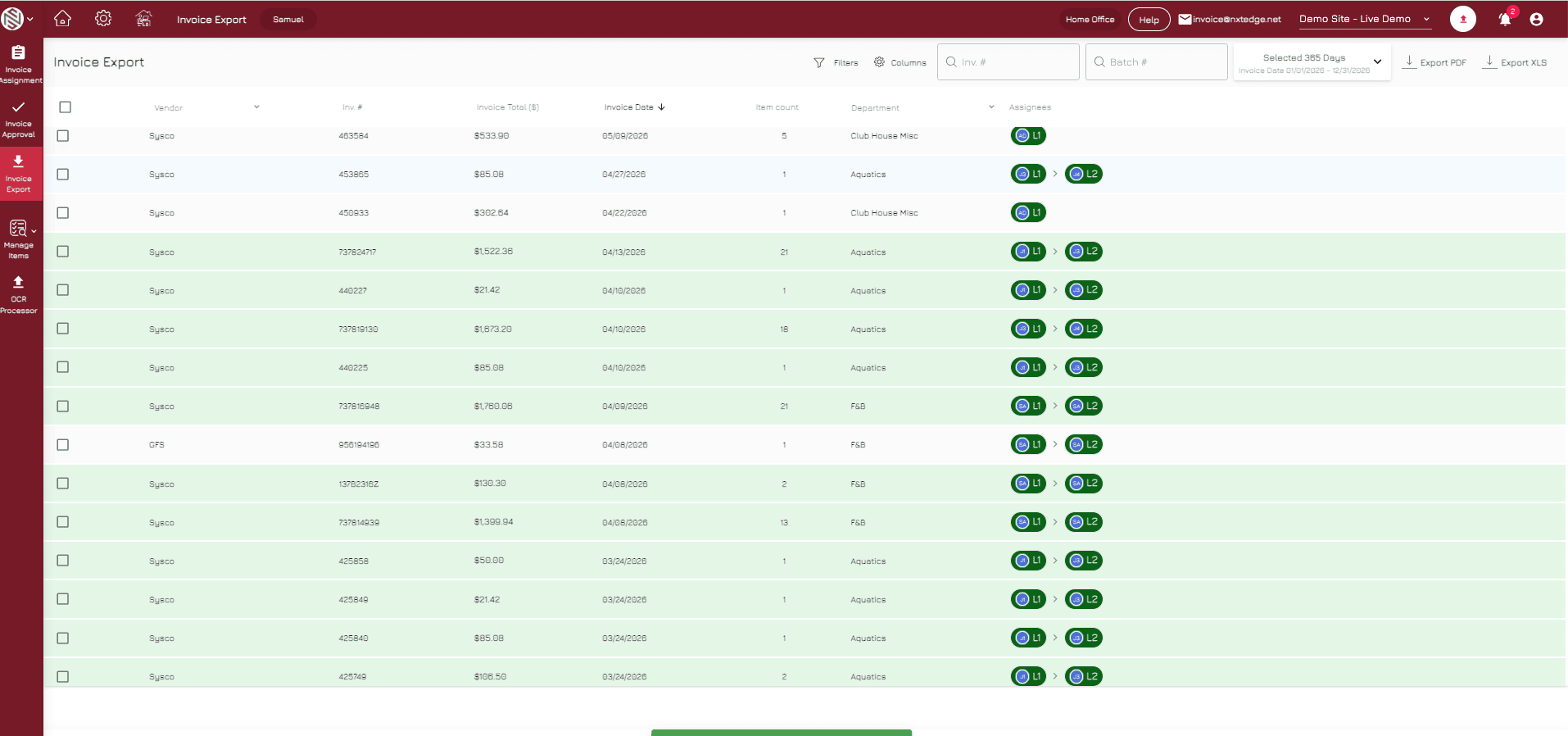
A single invoice can update multiple areas of the operation simultaneously. Inventory costs are updated, approvals are triggered, bill pay workflows begin and accounting exports are prepared automatically.
One invoice updates inventory, approvals, bill pay and accounting.

Inventory Cost Updates
Update product costs and purchasing history automatically.
Parent Item Management
Roll vendor products up to standardized parent items.
Approval Routing
Send invoices through department approval workflows.
Bill Pay Ready
Approved invoices become available for payment processing.
Accounting Export Ready
Export coded invoices into your accounting system.
One Invoice Powers Multiple Workflows
- Invoice Approval
- Bill Pay
- Accounting Integration
- Food & Beverage Inventory
- Vendor Price Comparison
- Purchasing Management
- POS Integration
- Recipe Costing
Ready to Eliminate Manual Invoice Entry?
Capture invoices once and automate inventory, approvals, payments and accounting from a single platform.